Dual-Screen Classroom Control
Project the class display while keeping your professor dashboard private.
 ExamioTEST • MONITOR • GRADE
Get started
A better classroom test day
Examio gives educators one simple place to launch browser-based tests, see student activity as it happens, and grade results automatically.
Students join by QR code. No app or download required.
ONE CLASS. THREE CLEAR VIEWS.
See the student, classroom, and professor screens.
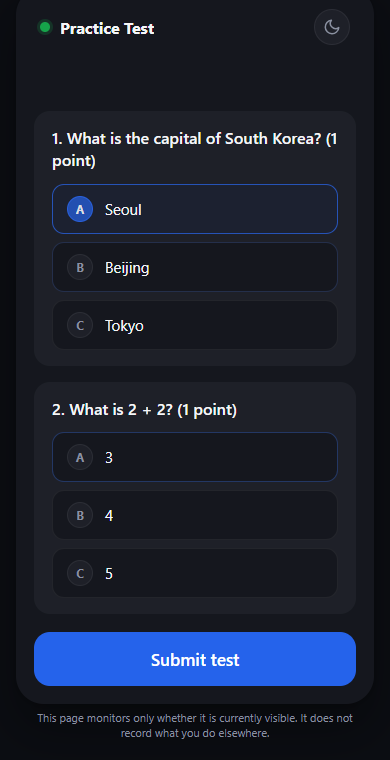
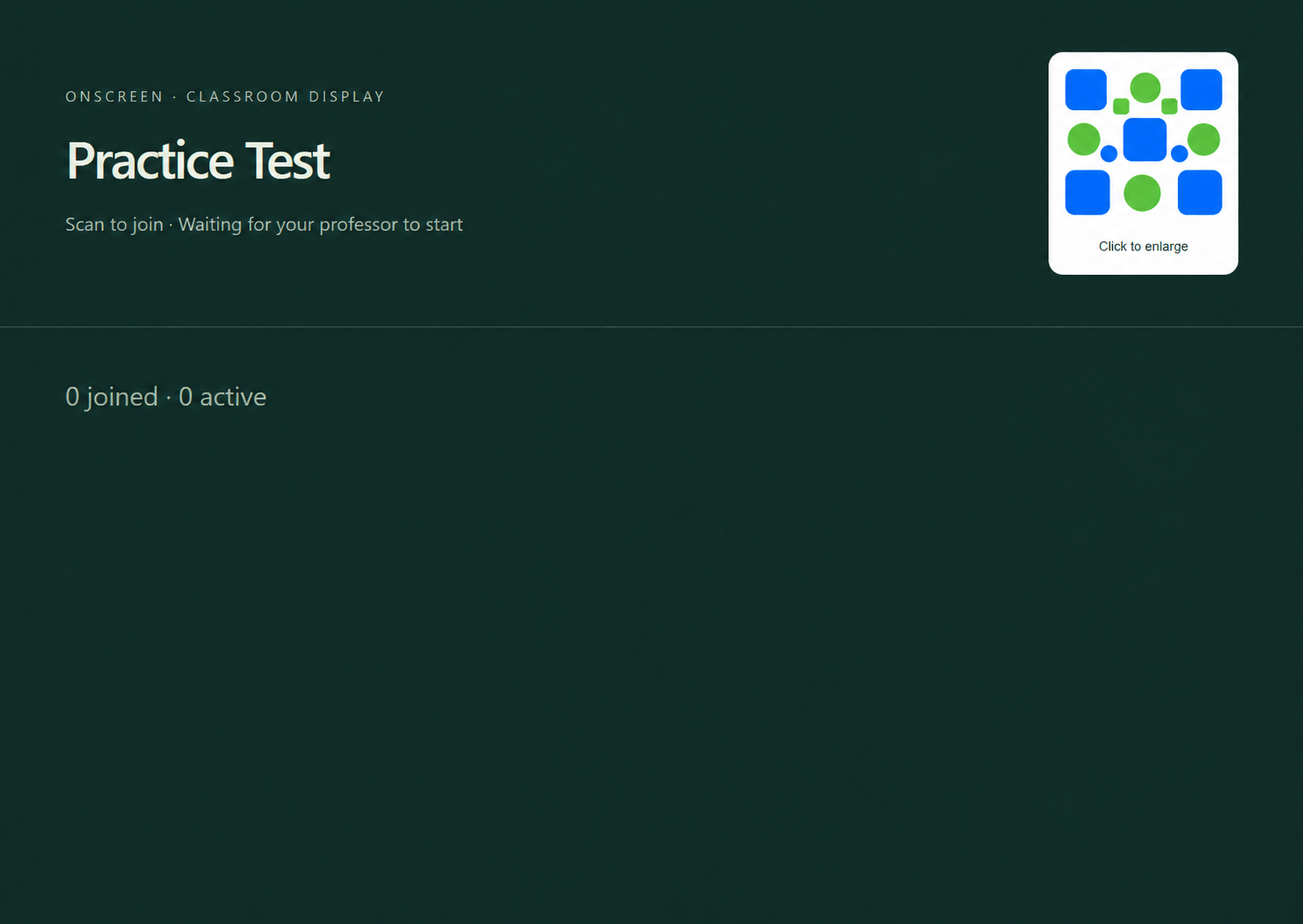
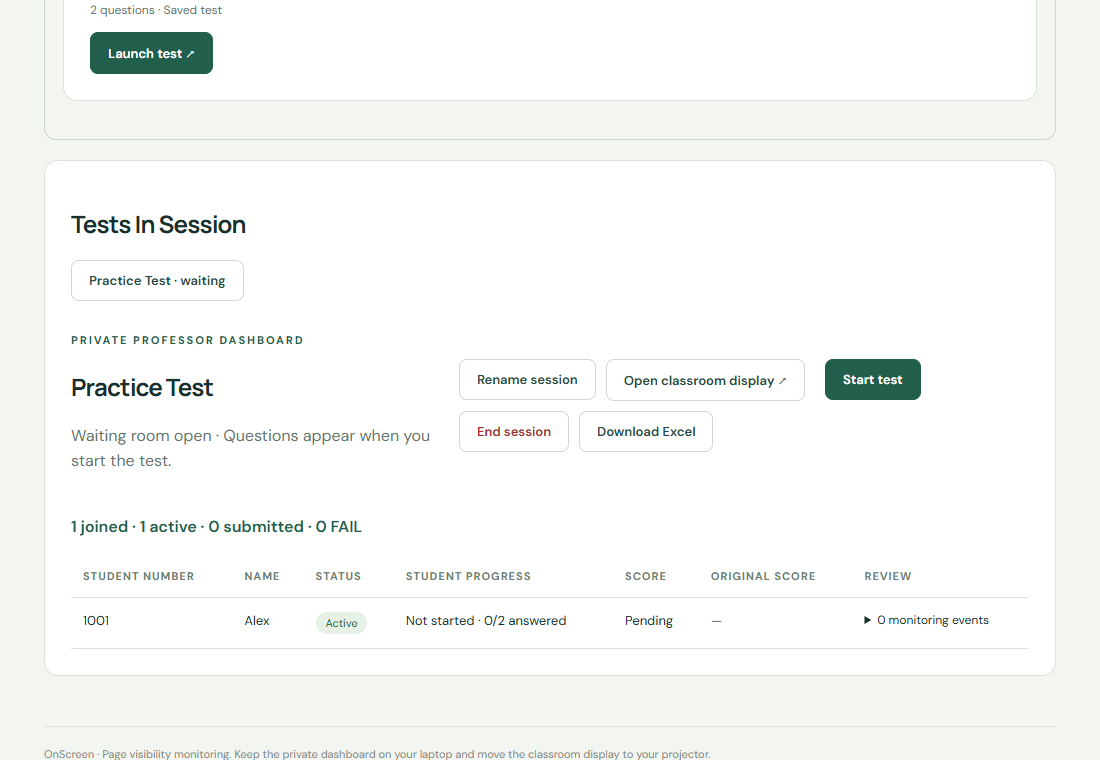
Screens use fictitious sample classroom data.
HOW IT WORKS
Choose a test from your library and open the classroom display on your projector.
Students scan the QR code and join in their browser. Start when everyone is ready and follow their progress from your private dashboard.
See scores as students submit and download your class results as an Excel file.
LESS SETUP. MORE CLARITY.
Keep the class moving while you stay in control of the assessment.
Project the class display while keeping your professor dashboard private.
Students scan, enter their details, and join in the browser they already have.
See when a test page is hidden, giving students a clear reason to stay focused.
Visibility monitoring is a deterrent, not a device lock.See scores as students submit, then download results organized for your class.
Keep tests organized by class, or open a monitored calculator session.
Turn source material into an editable draft and review answers before saving.
READY FOR YOUR NEXT CLASS?